
To manage your returns and exchanges, you need to access the ReturnGO dashboard. You can log in either through Shopify or by using your email and password.
Log In with Email and Password
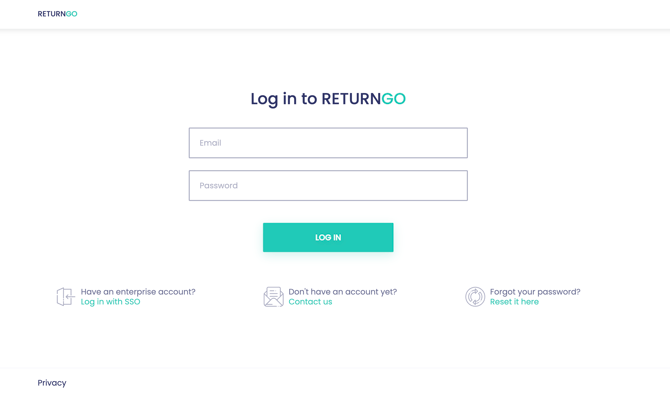
You can access ReturnGO using your email and password.
To log in with email and password:
- Go to the ReturnGO login page.
- Enter your email address.
- Enter your password.
- Click LOG IN.
Log In via Shopify
If your store is connected to Shopify, you can access ReturnGO directly from your Shopify admin.
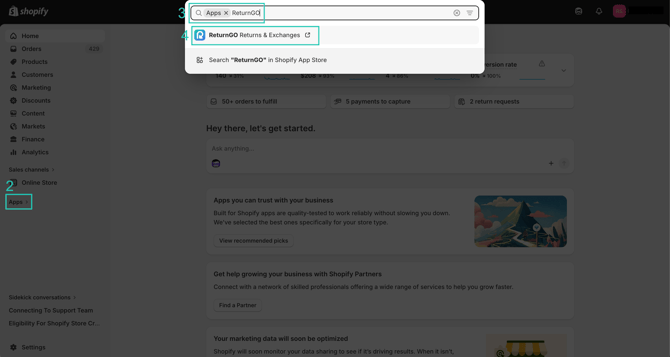
To log in via Shopify:
- Log in to your Shopify admin.
- Click APPS.
- Search for ReturnGO Returns & Exchanges.
- Click the app from the search results.
You will be automatically redirected to your ReturnGO dashboard.
Reset Your Password
If you forgot your password, you can reset it from the login page.
To reset your password:
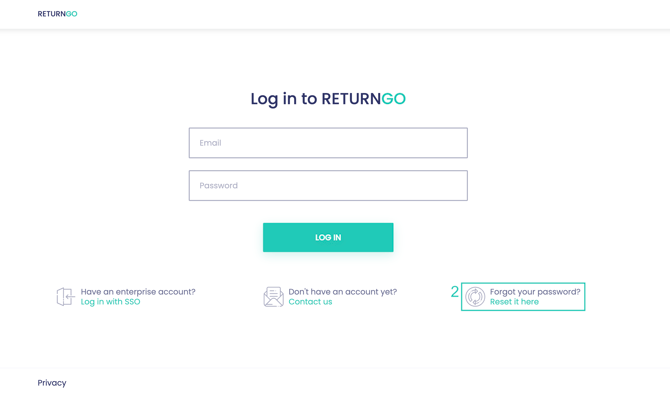
- Go to the ReturnGO login page.
- Click FORGOT PASSWORD? Reset it here
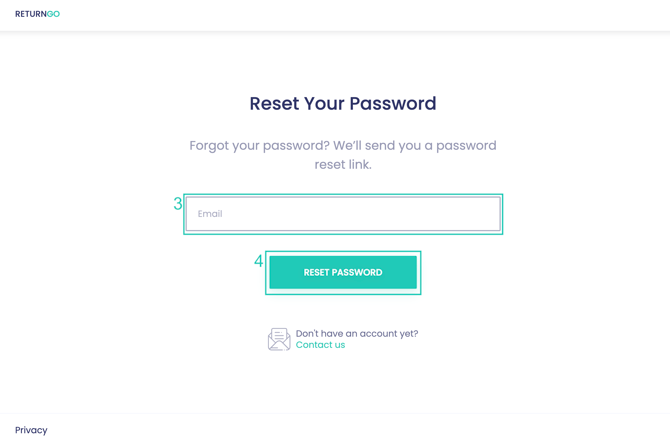
- Enter your email address.
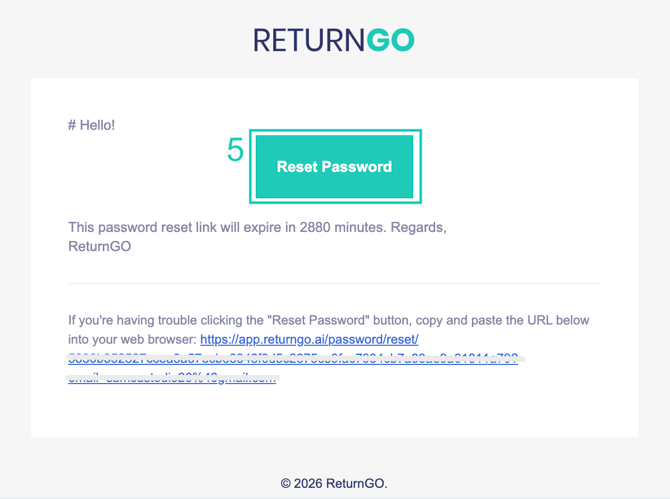
- Click RESET PASSWORD. You will receive an email with a password reset link.
- Click the password reset link in the email.
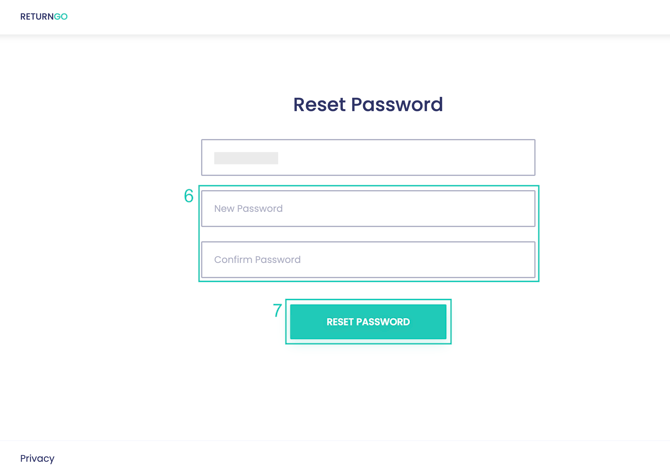
- Enter your new password.
- Click RESET PASSWORD to confirm.
After resetting your password, you can log in using your new credentials.